Birdy Tackle Shop
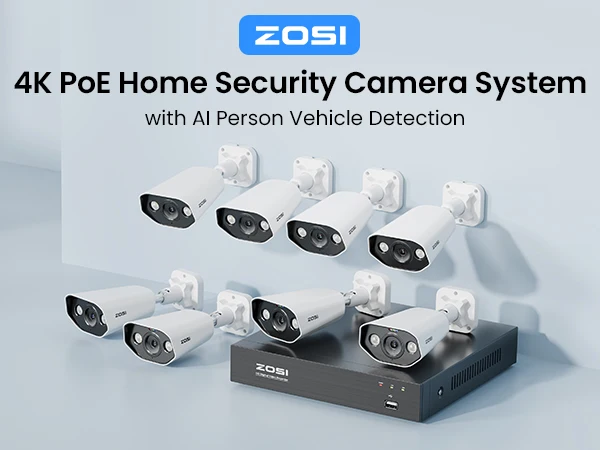
ZOSI 8CH POE Video Surveillance Kit 4K 8MP 5MP Super HD Outdoor IP Cameras AI Starlight Night Vision CCTV Security Camera System
ZOSI 8CH POE Video Surveillance Kit 4K 8MP 5MP Super HD Outdoor IP Cameras AI Starlight Night Vision CCTV Security Camera System
Couldn't load pickup availability
SPECIFICATIONS
AI Camera: Smart AI Face Person Vehicle Detection
Brand Name: ZOSI
Cable Length: 18m
Certification: CE
Connectivity Technology: Wired
Four Night Vision Modes: Starlight Night Vision,Smart Night Vision, Full Color Night Vision,Infrared Night Vision
High-concerned chemical: none
IP Camera Resolution: 8MP and 5MP Ultra HD
Mobile Remote: iPhone,Andorid mobile
Model Number: 8HN-1828AWX,8HN-1825AWX
NVR Kit: 8CH H.265 4K
Night Vision Distance: 30M/100ft
Origin: Mainland China
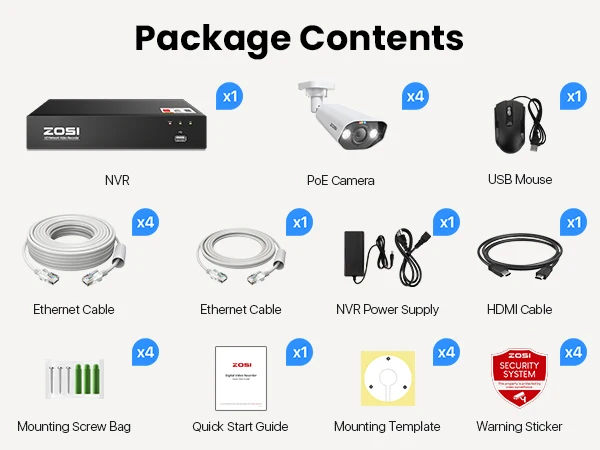
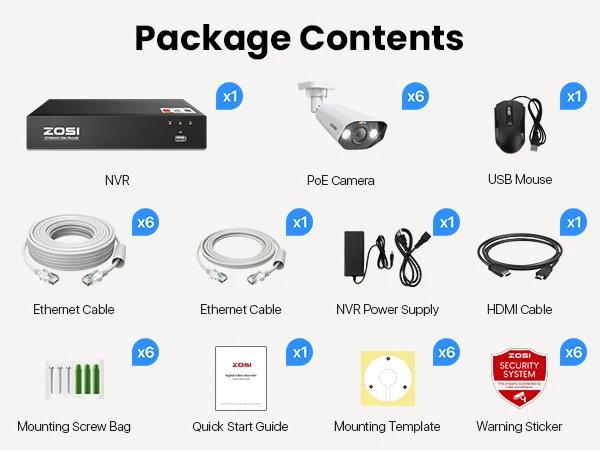
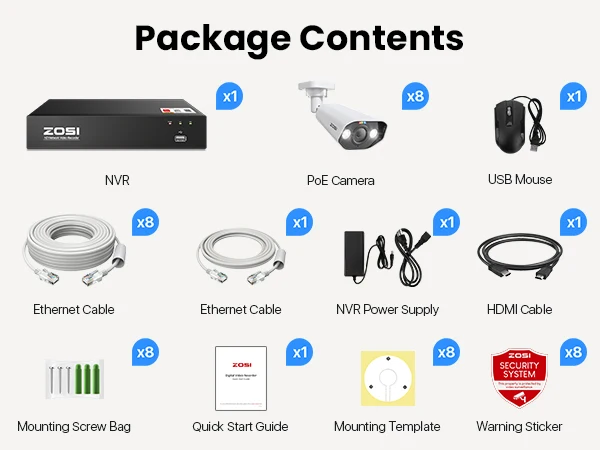
PCS of Camera: 2PCS,4PCS,6pcs,8PCS
PoE Camera Lens: 3.6mm
Resolution: 5 MP
Security Camera System: 4K/5mp PoE CCTV System
Smart home platform: Other
Two-Way Audio: Support
Video Compression: H.265+
Video Input: 8 Channel
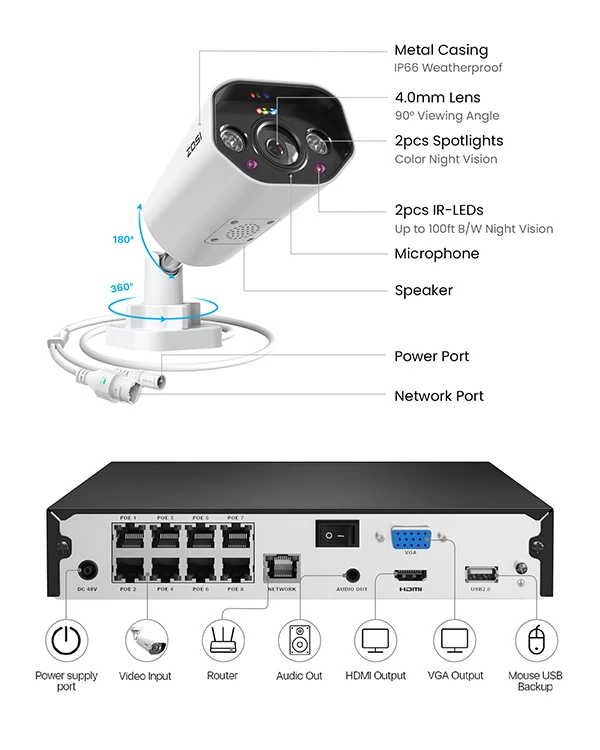
Wheatherproof of PoE Camera: IP66

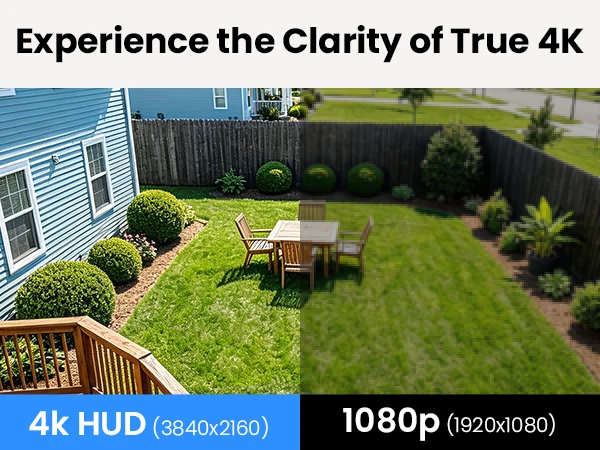
Experience the Clarity of True 4K
Record everything with sharper details with the high Pixel count and be able to digitally zoom into far away objects without losing any quality.
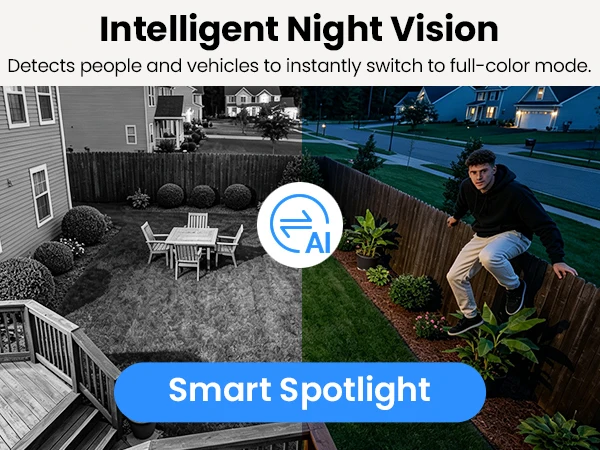
Intelligent Night Vision
Detects people and vehicles to instantly switch to full-color mode.
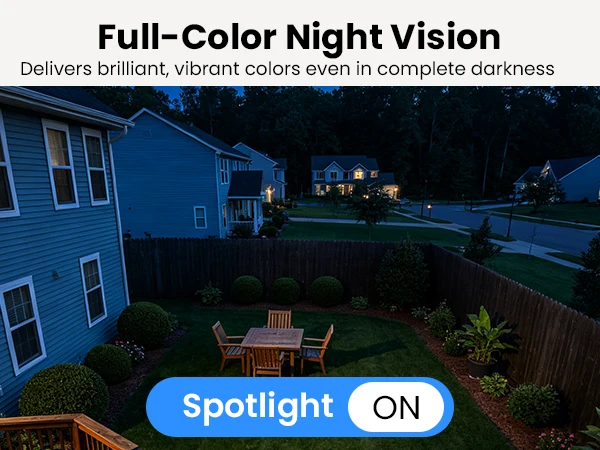
Full-Color Night Vision
Delivers brilliant,vibrant colors even in complete darkness.
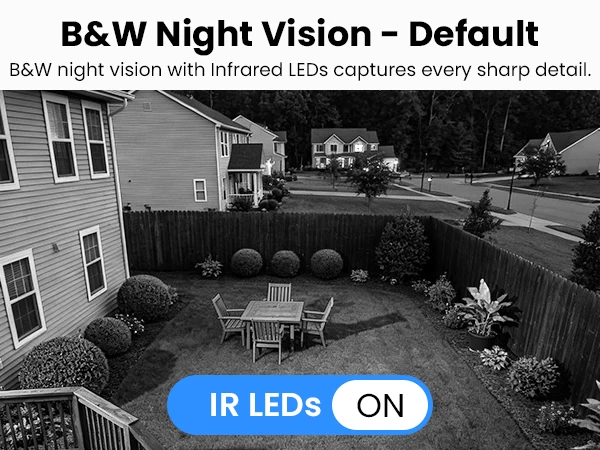
B&W Night Vision-Default
B&W night vision with infrared LEDs captures every sharp detail.
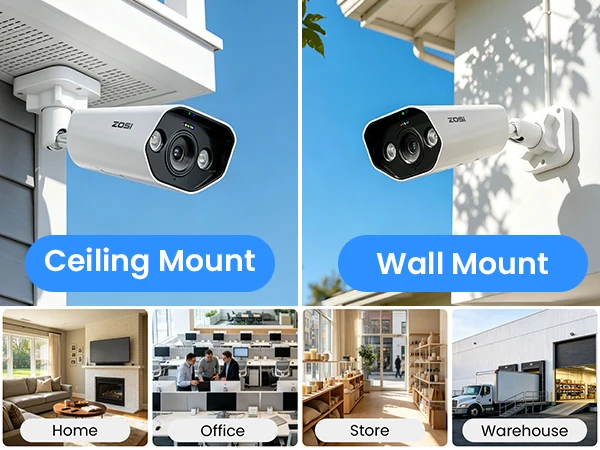
Versatile Mounting
Mount on walls or ceilings swiftly. Ideal for homes and stores.
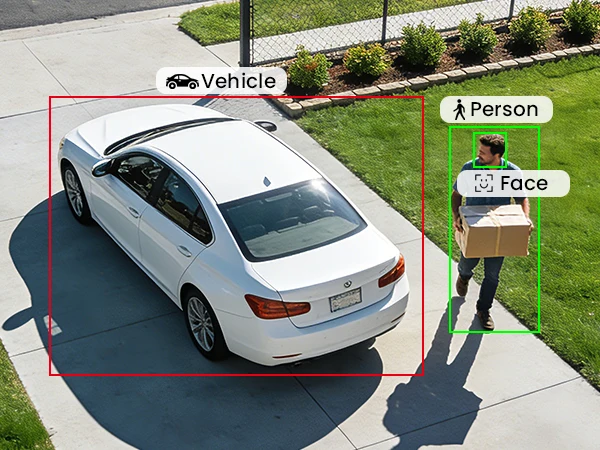
Smart Recognition - People/Faces/Vehicle
AI-powered detection identifies humans, faces, and vehicles, with zero extra fees.
Live Two-Way Audio
Watch live, chat with couriers, or scare away trespassers quickly.

Instant Alarm & Light
Spotlight and alarm activate on motion, scaring away uninvited guests immediately.
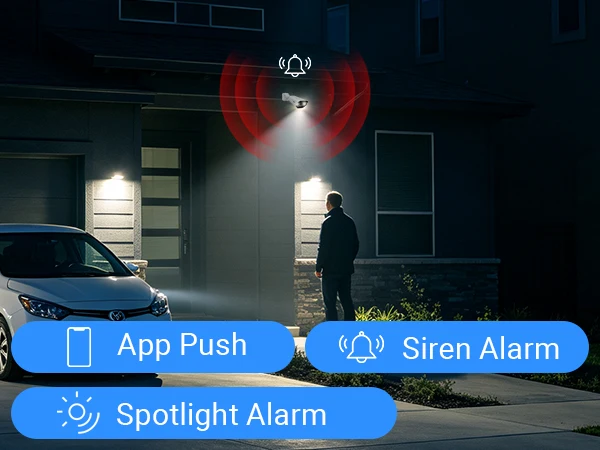
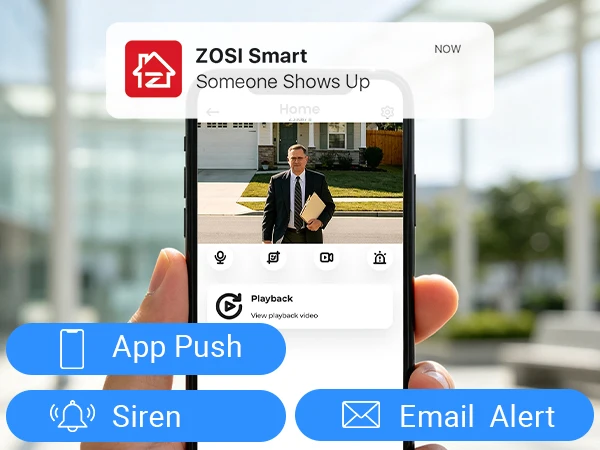
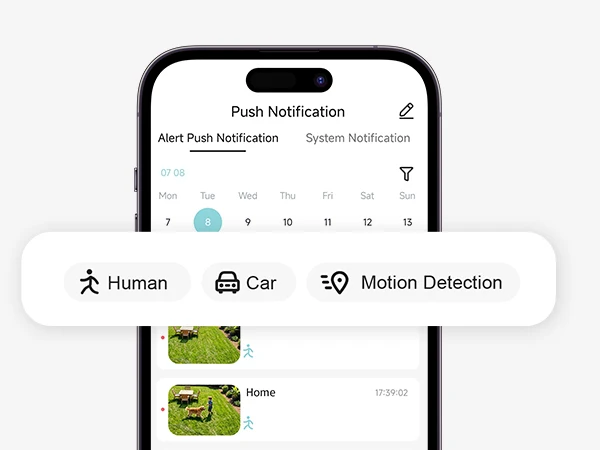
Instant Notification Alerts
App pushes and email messages for any detected activity.
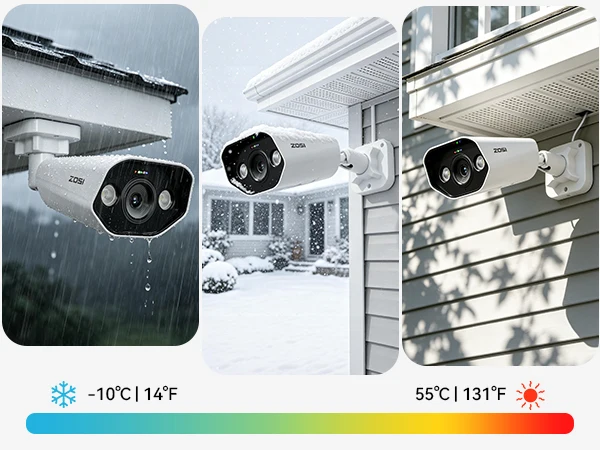
Rain or Shine Protection
Built IP66‑rated to handle scorching sun, storms, and freezing cold, working 24/7 reliably.
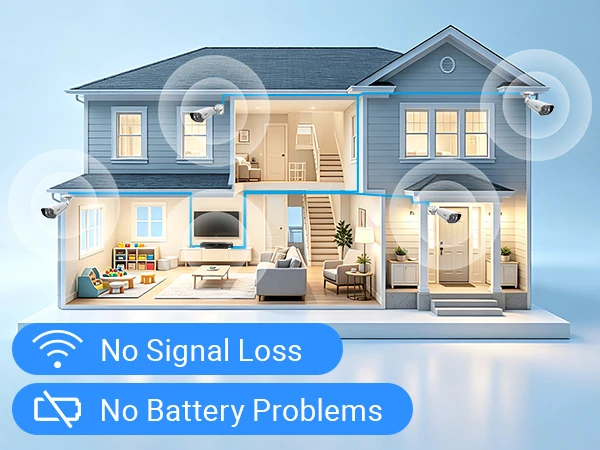
Hassle‑Free Wiring
One Ethernet cable supplies data and power, no extra cords, rock‑solid performance.
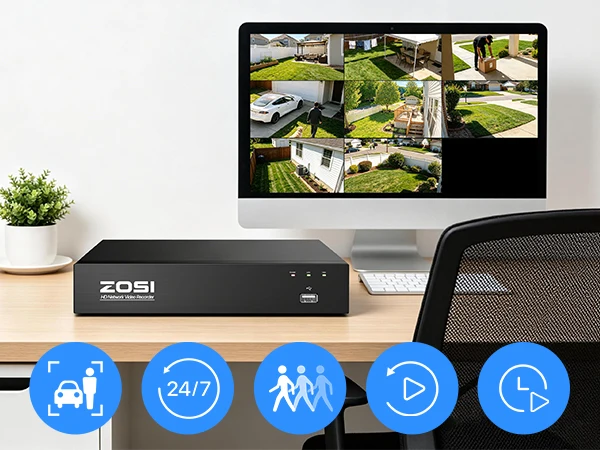
Versatile Recording Modes
Choose from 24/7, human/vehicle/motion, schedule, or recycle recording modes.
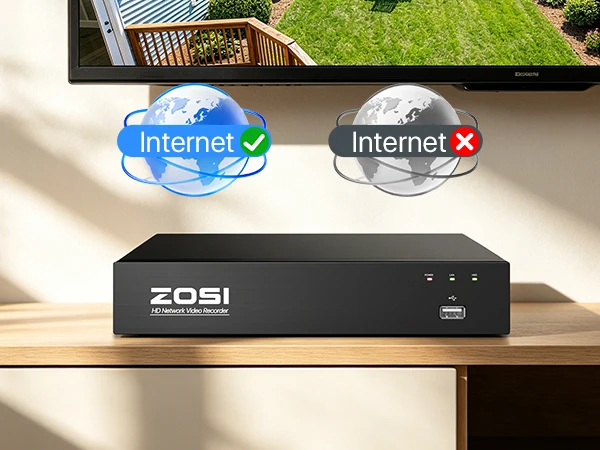
Online or Offline Use
Works perfectly offline for local viewing, and online for remote monitoring.
Total Remote Control
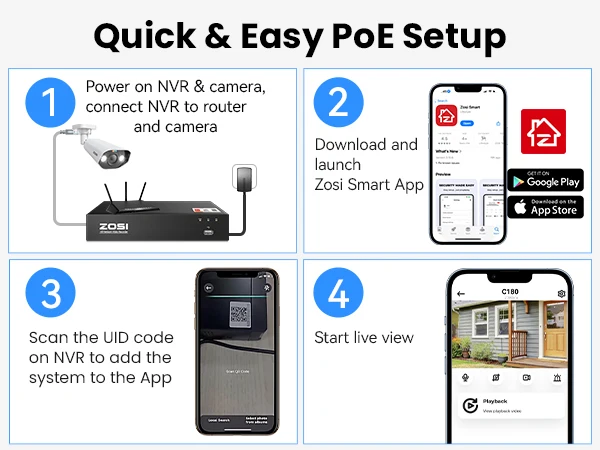
You can remote access anytime via ZOSI Smart App and AVSS Client(other software isn't supported).
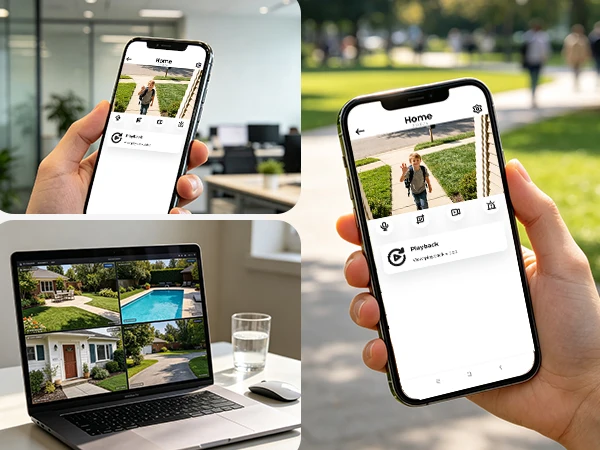
Real-Time Alerts for Multiple Users
Up to 5 users can access the system remotely and receive instant alerts simultaneously.

Smart Search & Playback
Find footage fast by date or event type, and replay with just one click.
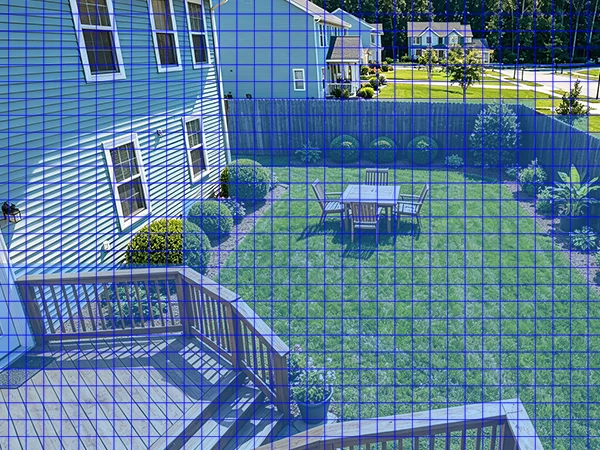
Custom Alert Areas
Draw specific areas to reduce unwanted notifications.
Privacy Mask Setup
Block out sensitive zones, safeguard your personal space.
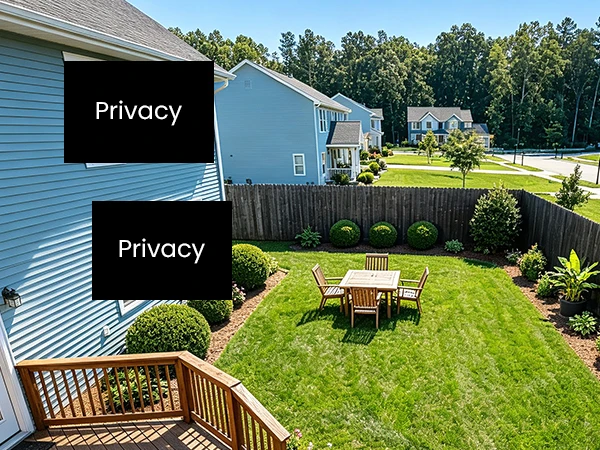
Security Starts with Privacy
All footage is protected with robust encryption, so your personal data remains strictly confidential.

Q&A
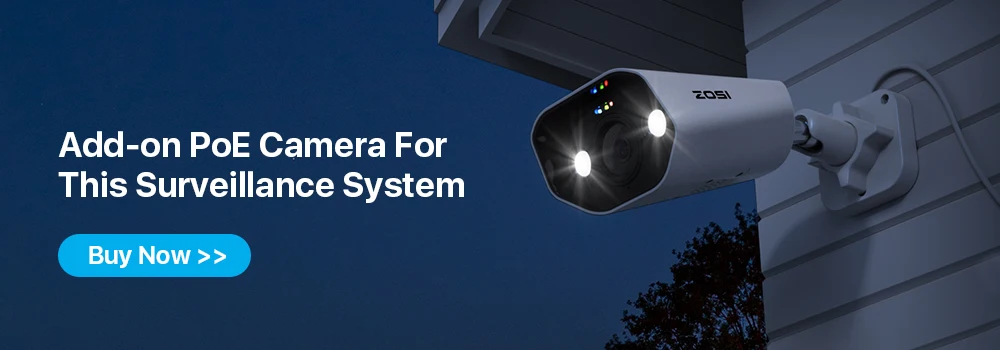
Question 1: Can I add more cameras to this system?
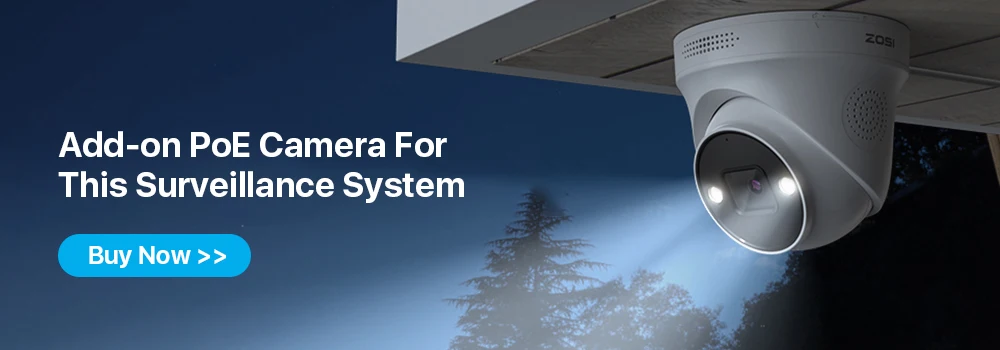
Yes. You can add more (only ZOSI) 8MP, 5MP, or 2MP POE Bullet or dome cameras. But the total number of cameras connected to the NVR should not exceed 8.
Noted:
This PoE NVR only supports ZOSI WiFi Camera with a particular model (Ethernet Cable Connection), if you want to add a wifi camera to this NVR, please contact customer support first.
Question 2: How to get the 4K 8.0MP/5.0MP resolution:
(1) Please make sure that your TV monitor is 4K/5MP or better than 4K/5MP resolution, and connect the NVR to your TV monitor.
(2) Setup the system, and go to Main Menu- Set up-Basic to change the "Video Output" to "3840 * 2160"(or 2952*1944) manually.
Question 3: Why can't I hear audio when watching live on NVR?
1. The NVR can transmit audio only when the monitor/TV is connected via HDMI cable, otherwise the monitor/TV will have no sound output.
2. Click the right mouse button -Go to Main Menu- Set up - Click the audio, you can adjust the volume and select the channel to play the audio.